Thank you for all your continued support! We couldn’t do any of this without you!
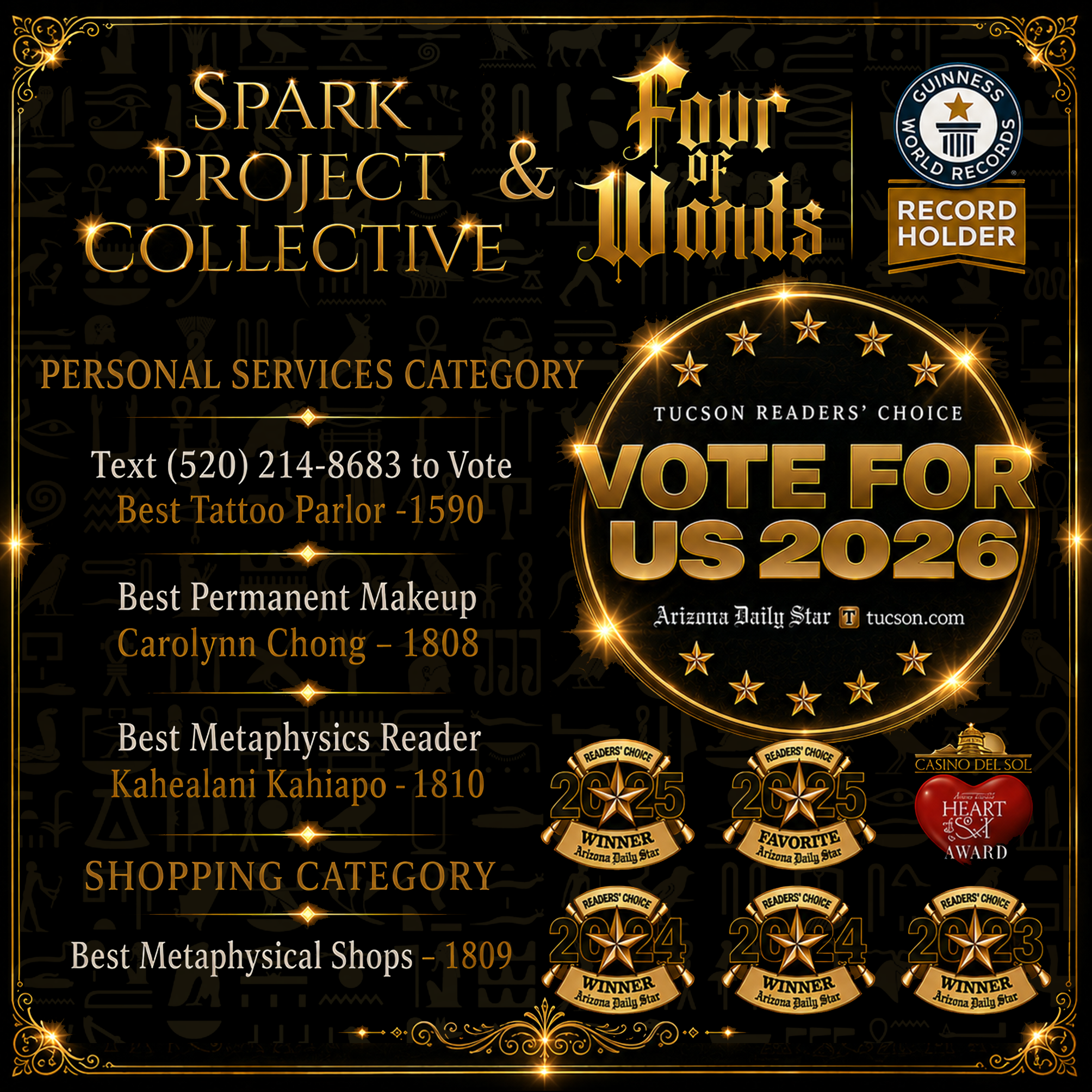
Vote For Us
Arizona Daily Star Reader’s Choice Awards
July 26th 12 am to August 9th 11:59 pm
Send a text to (520) 214-8683, In the message field place the code number
Personal Services Category
Best Tattoo Parlor, Spark Project Collective - Code: 1590
Best Permanent Makeup, Carolynn Chong – Code: 1808
Best Metaphysics Reader, Kahealani Kahiapo -Code: 1810
Shopping Category
Best Metaphysical Shops, Four of Wands – Code: 1809
Each code will have to be sent individually in a single text. You may send your text vote once per day per code.
Set up auto messaging on Iphone
Use the built-in Shortcuts app.
Open Shortcuts.
Tap Automation at the bottom.
Tap the + button.
Tap Create Personal Automation or New Automation.
Select Time of Day.
Choose the time the message should be sent.
Under Repeat, select Daily.
Tap Next.
Select New Blank Automation or Add Action.
Search for Send Message.
Tap the blue Message field and enter the text you want sent.
Tap Recipients and enter (520) 214-8683.
Tap the arrow or settings area inside the Send Message action.
Turn off Show When Run, if that option appears.
Tap Done or Next.
Select Run Immediately. On older iPhones, turn off Ask Before Running and confirm Don’t Ask.
Tap Done.
The iPhone should now send that message every day at the selected time without requiring you to press Send. Apple supports Time of Day automations that run automatically.
You will repeat this process for every code number you would like to have an auto message sent for.